Sketch your AI video before you spend another generation
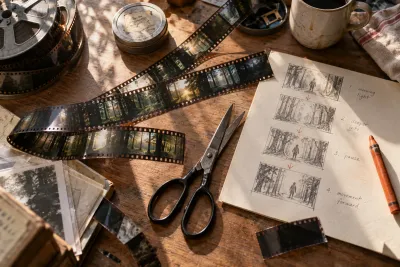
You don't need to draw well to storyboard an AI video. A rectangle, an arrow and a few words can save you from generating six attractive clips that refuse to become one scene. I'd start with the change the viewer needs to understand.
Give the scene a beginning and a result
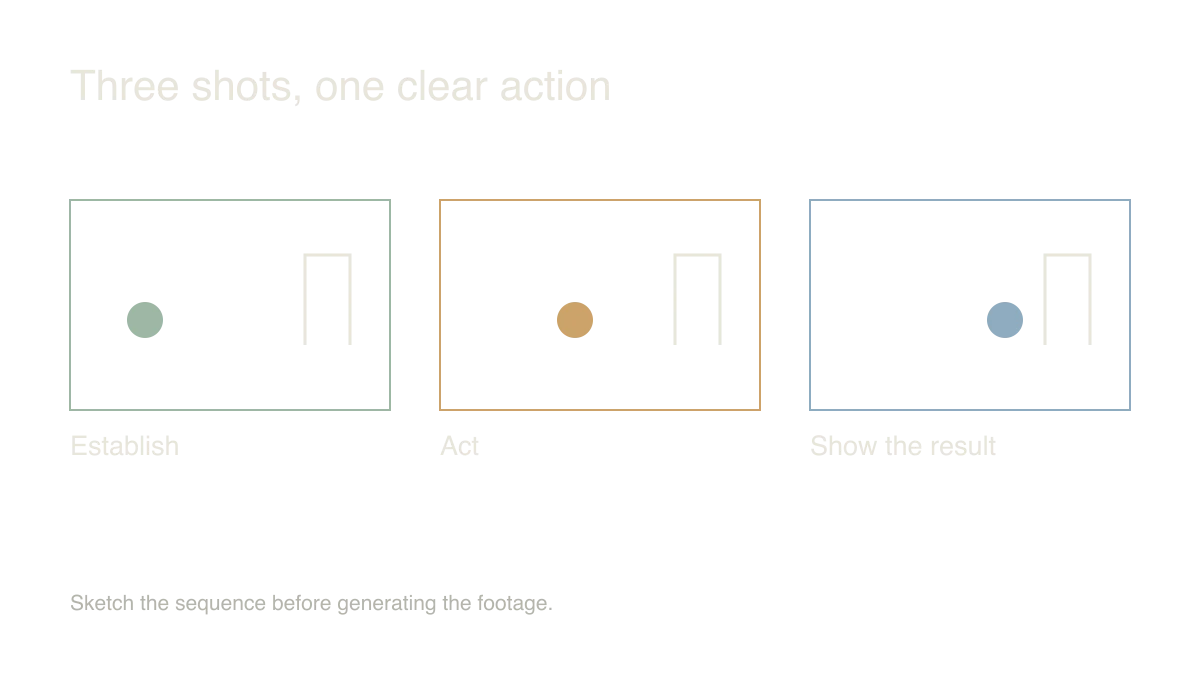
Try a tiny story: an explorer notices a light, approaches a door, and opens it. Draw three rectangles. Put the explorer and the important object in each one. Use an arrow for movement, and write a short note underneath explaining what changes.
The drawings are working notes. A stick figure can answer whether the character enters from the left; an elaborate prompt often leaves that decision hidden among descriptions of atmosphere and texture.
My test is simple: cover the notes and look at the frames. If the action is impossible to follow, make the sequence clearer before asking a model to animate it.
Separate the fixed details from the movement
Keep a small reference sheet for the character, costume, door and lighting. These are the details that should survive from shot to shot. The motion instruction belongs in the individual shot: the explorer turns toward the light, or the camera moves closer to the handle.
I would keep the first version to one major movement per shot. Once the scene works, you can decide whether a more ambitious camera move actually improves it.
Leave room to cut. A shot that starts after the hand has already grabbed the handle gives you fewer editing options than one with a short pause before the action.
Assemble the rough version early
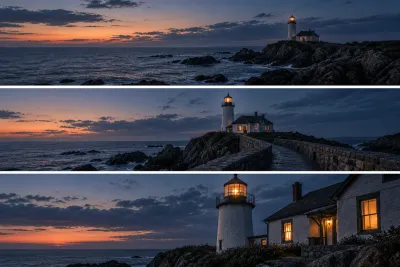
Put your first usable takes on a timeline immediately. You can judge continuity far better between adjacent clips than while watching each generation alone.
A close-up of the handle might solve an awkward transition more cheaply than regenerating the entire approach. An extra second of a still frame may give the viewer time to understand the setting.
Export the rough sequence and show it without explaining the story first. Ask what happened. If the answer matches your intended action, you have a useful foundation for better lighting, sound and finishing work.
Sources and further reading
- Runway: Gen-4 video prompting — accessed Sep 9, 2026
Make something of your own
Describe an idea and play it in minutes.
Create