Your AI sprite looks good. Now make it work in the game.
A character that looks lovely in an image viewer can wobble, blur or leave a white fringe once it moves around your game. I'd check the file preparation before generating another version. Quite often, the illustration is usable and the export is the part that needs attention.
Look at the edges on two backgrounds
Open the sprite over a dark background and then a light one. This makes pale halos and leftover background fragments easy to spot. If you see a checkerboard painted into the file, it doesn't have the transparency you expected. Remove that background in an image editor and export a file with an alpha channel, which stores how transparent each pixel is.
Save the untouched original somewhere separate. Call the cleaned file something useful, such as courier-idle.png. A folder full of generator timestamps is hard to navigate when you're trying to replace one animation frame.
Give every pose the same ground line
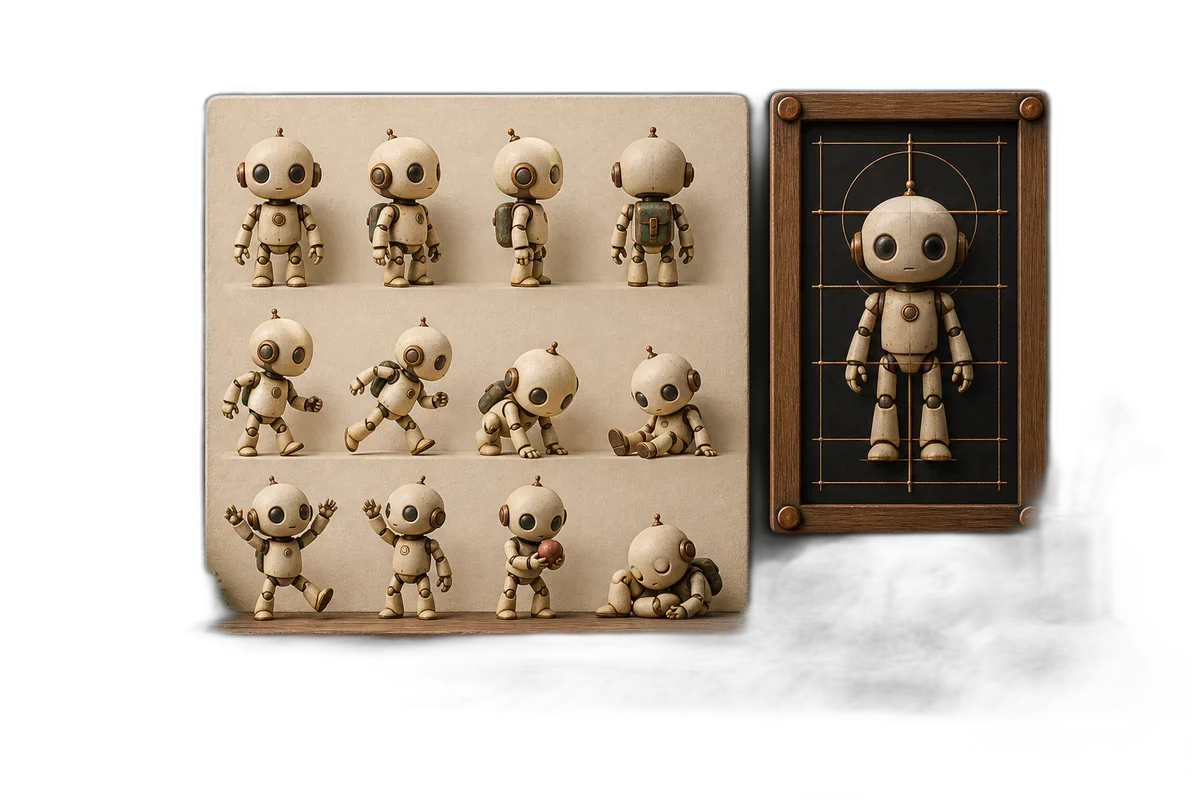
Put each pose on an equally sized canvas, the image's rectangular working area. Align the feet to the same row. Otherwise, switching between two frames can make the character appear to jump even while standing still.
The pivot is the point the engine uses to position or rotate the sprite. I'd keep that consistent across the family too. Fixing the picture's alignment is usually easier than adding a special movement offset for every frame.
- Choose the canvas dimensions for the character family.
- Align the feet and body center across the poses.
- Preview the frames in sequence at game size.
- Trim or clean stray pixels around the silhouette.
- Export the frames and check the animation inside the engine.
Replace one placeholder and move it around
Check the sprite against its collision shape. A decorative backpack doesn't automatically need to make the player wider, and a long antenna may not belong in the hitbox at all. Gameplay and artwork need to agree, but they don't have to share an identical outline.
If the sprite is blurry, inspect its source dimensions and the engine's image filtering. Filtering is how the engine blends pixels when resizing an image. Crisp pixel art and a softly painted background often need different treatment.
Once the first sprite works, record those import and export settings. That little note turns the next generated asset into a repeatable handoff instead of another evening of wondering why this character is floating three pixels above the floor.
Sources and further reading
- Godot: importing images — accessed Sep 9, 2026
Make something of your own
Describe an idea and play it in minutes.
Create