Build a tiny GDevelop game you can explain to yourself
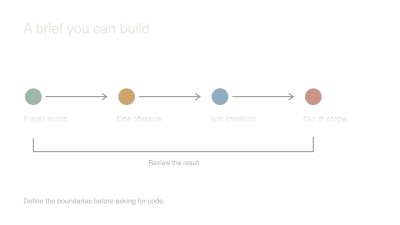
A visual event sheet can make a game feel approachable, but it can still become a maze. I'd begin with a scene whose rules fit on a short page: move, collect three objects, show a win message, restart.
Learn the shape of an event
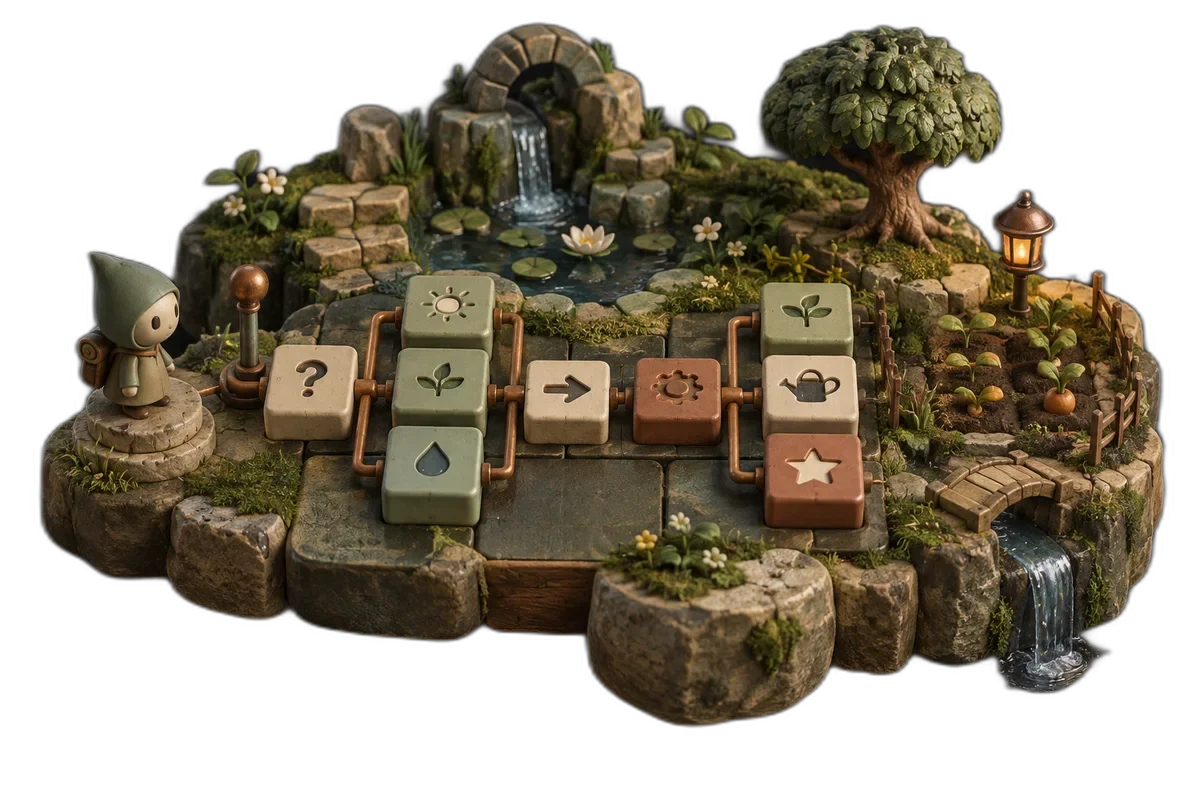
In GDevelop, events connect conditions to actions. Think of a rule such as: when the player touches a coin, increase the score and remove that coin. Start with the event system's documentation and examples for the version you're using.
Create a player object, a coin object and a score display. Make movement work before adding the collection rule. That gives you a known working state to return to when an assistant suggests a change.
I would ask the assistant to describe the intended condition and action in plain language before translating it into an event. If the rule is unclear in a sentence, a visual editor won't make it clearer.
Give GDevelop AI a small, reversible job
GDevelop AI can read your objects, variables, behaviors and events, then create or edit scenes and logic. Turn Auto edit off while you plan: it will explain or suggest and ask for confirmation before each change. Once you agree on the approach, you can switch it on to let it build.
For cloud projects, GDevelop saves a restore point before each message or AI request, so you can roll back a build that went wrong. Local projects don't get that automatic restore, so save a copy before a large request. Start one chat per task and stop the AI if it heads somewhere unexpected.
Add one rule and test its edge
Collect one coin and check that the score increases once. Stay in the same place briefly. Does the event fire again? Test two coins close together and verify that both behave as intended.
Then add the completion rule. Decide whether winning stops movement, hides the remaining objects or simply shows a message. Those choices are part of the game design, not details to leave for generated logic to guess.
Name objects and variables by their role. A clear name such as roundScore saves effort when you return to the event sheet later.
Make restart part of the first version
Restart after collecting one coin, and again after winning. The objects, score, message and input should all return to the intended starting state.
If restart fails, follow the state that survived. A global variable and a scene variable can have different lifetimes; use the documentation to decide which scope fits your rule.
I'd export this tiny version before expanding it. A playable link lets you check loading and controls on another device, and it gives a friend something concrete to try. Add your next mechanic only after you can explain the current event sheet without relying on the assistant's summary.
Sources and further reading
- GDevelop documentation — accessed Sep 9, 2026
- Build and learn with GDevelop AI — accessed Sep 11, 2026
Make something of your own
Describe an idea and play it in minutes.
Create