Godot or Phaser? Choose the workflow you want to learn
I'd choose between Godot and Phaser by building the same small room in each, not by counting features. The useful question is which environment helps you understand and change the code your AI assistant produces.
Decide how you want to work
Godot gives you a game editor with scenes and nodes. Phaser is a JavaScript game framework that fits a code-centered web workflow. Both require you to learn how a game is organized; an assistant doesn't remove that part.
If you like arranging objects visually and inspecting their properties, I'd try Godot first. If you already work comfortably with JavaScript and browser developer tools, Phaser is a natural experiment.
Use documentation for your installed version. An answer that mixes engine versions can look plausible while sending you toward settings or APIs your project doesn't have.
Give both tools the same small task
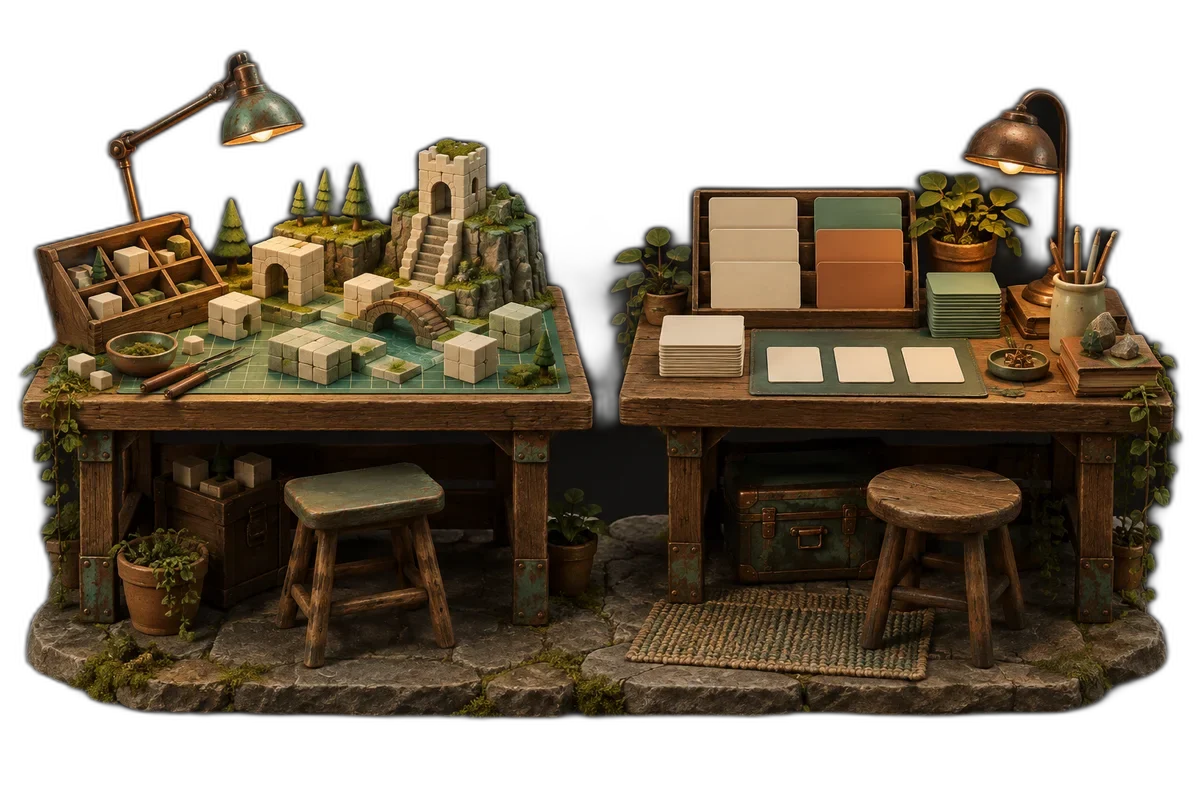
Build a room with a movable character, one collectible and a restart button. Use placeholder shapes so asset preparation doesn't decide the comparison for you.
Ask the assistant for one change at a time and require it to explain where the change belongs. You should be able to locate the movement rule, identify the score state and undo a bad edit.
I'd judge the process by a few practical questions. Can I inspect an object? Can I reproduce an error? Can I change a rule without replacing the whole project? A quick first demo matters less if the second change becomes incomprehensible.
Export before committing to the engine
Get the test room running from the kind of link you plan to share. Check input, audio startup, loading and layout in the target browser. For Godot, read the web-export requirements for the exact version and renderer you chose.
Try a phone if mobile play matters. Keyboard movement working on your laptop tells you nothing about the touch-control experience.
Choose the workflow you can keep improving. I'd accept a slower first afternoon in exchange for a project whose structure I understand. The point of the comparison is to find a workable learning path, then stop comparing long enough to finish a game.
Watch and learn
Companion videos from other creators. Interfaces and versions may differ from your project.
Your first 2D game in Godot 4GDQuest · YouTubeA companion beginner project using Godot 4; follow the version used in the video.Sources and further reading
- Godot: your first 2D game — accessed Sep 9, 2026
- Phaser: making your first game — accessed Sep 9, 2026
- Godot: exporting for the Web — accessed Sep 9, 2026
Make something of your own
Describe an idea and play it in minutes.
Create