Make AI-generated icons readable before making them detailed
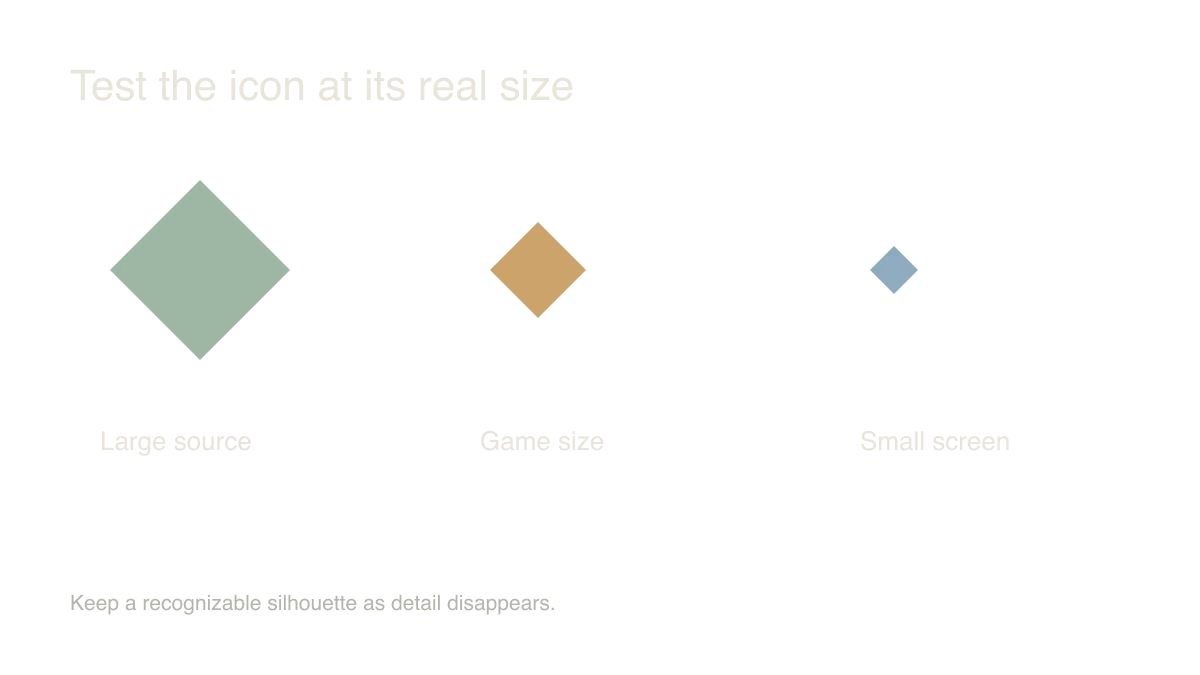
An ornate potion bottle can be a lovely illustration and a poor inventory icon. I'd shrink the first result to its actual game size immediately. If the shape disappears, more texture won't rescue it.
Give each icon a distinct silhouette
Start with three objects that need to be told apart: a key, a potion and a shield. Ask for clear outer shapes, a consistent view and restrained detail. Use the same lighting and palette across the set.
Consider where the icons will appear. A dark object may need a lighter edge to stay visible on your inventory background. Don't judge the family only against the generator's preview surface.
I would make one approved icon the visual reference for the next few. A short style note can help you keep perspective, outline weight and material treatment consistent.
Clean the file around the object
Remove the background with actual transparency and inspect the edges. A white or black fringe can become visible as soon as the icon sits over a different surface.
Keep consistent canvas dimensions and deliberate padding. Two objects with the same file size can still look wildly different in scale if one fills the canvas and the other floats in a large margin.
Export a small game-ready version while preserving the larger source. Name the file by the object it represents so later changes don't depend on remembering a generation number.
Test the whole family in the interface
Place the icons in the real inventory or menu. Inspect them at normal size, at smaller screen widths and in selected or disabled states.
Don't rely on color alone for meaning. If two potions have different effects, give them distinguishable shapes or supporting labels. The player shouldn't need to decode a subtle hue difference during action.
I'd ask someone to identify the objects without the labels first, then check the full interface with labels restored. That separates recognition from presentation. Keep the details that help the player choose; remove the ones that only looked impressive in the large preview.
Sources and further reading
- Godot: importing images — accessed Sep 9, 2026
Make something of your own
Describe an idea and play it in minutes.
Create