Give AI your movement limits before asking for a level
A layout can look adventurous while containing a jump your character cannot make. I'd give the assistant the movement limits first, then ask for a room that teaches one action. Decoration can wait until the route works.
Measure the movement you already have
Record the useful facts: character size, movement speed, jump reach and any special ability. For a tile-based layout, include the tile size and coordinate convention.
Check these in a test scene rather than relying on a number from an earlier design note. Small changes to acceleration or collision can change which gaps are comfortable to cross.
I would distinguish the maximum possible jump from the jump a new player can make reliably. A tutorial room should not demand perfect execution of a movement the player has barely encountered.
Ask for a few layouts with reasons
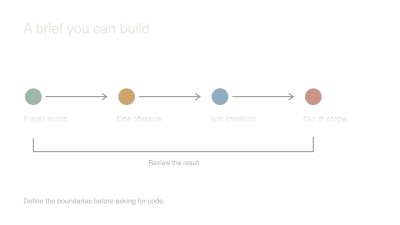
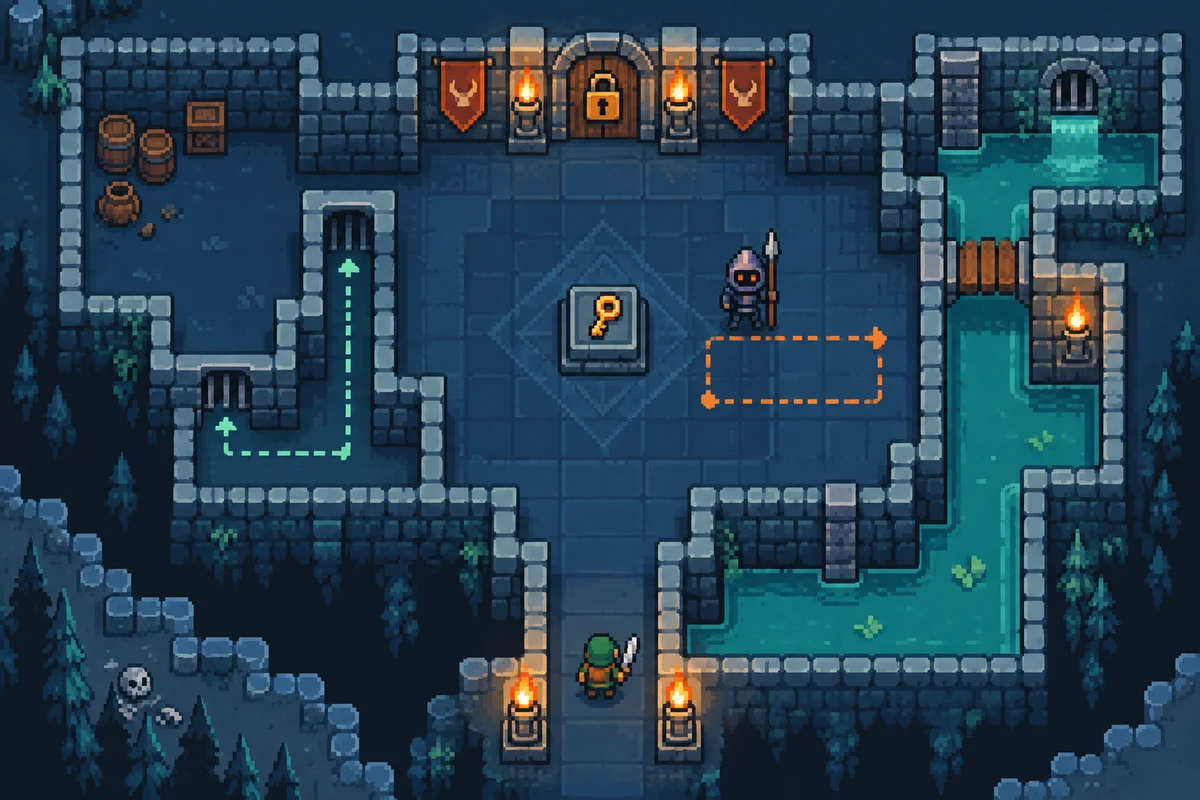
Request three small proposals with a start, goal, intended route and one obstacle that teaches or tests the action. Ask why each obstacle belongs in that position.
Build the simplest promising proposal with plain blocks. Check that the destination is visible, the route is physically possible and failure returns the player to a sensible place.
Don't mistake generated variety for useful choice. Ten layouts with the same unexplained difficulty spike give you more inspection work without teaching anything new.
Watch where the route breaks down
Let someone try the room without narrating the solution. Observe where they hesitate, miss or choose an unexpected path. Ask what they thought was possible at that moment.
Separate difficulty from ambiguity. A clearly signposted hard jump and an invisible destination are different problems. Adjust the relevant part instead of making every gap smaller.
Some shortcuts are fun. I'd decide whether they undermine the lesson before removing them. Once the room communicates its action and supports a satisfying attempt, add enough art to test readability again. Visual detail can hide a ledge or make a harmless surface look dangerous, so the finished look needs another playthrough.
Watch and learn
Companion videos from other creators. Interfaces and versions may differ from your project.
Your first 2D game in Godot 4GDQuest · YouTubeA companion beginner project using Godot 4; follow the version used in the video.Sources and further reading
- Godot: your first 2D game — accessed Sep 9, 2026
- MDN: 2D collision detection — accessed Sep 9, 2026
Make something of your own
Describe an idea and play it in minutes.
Create