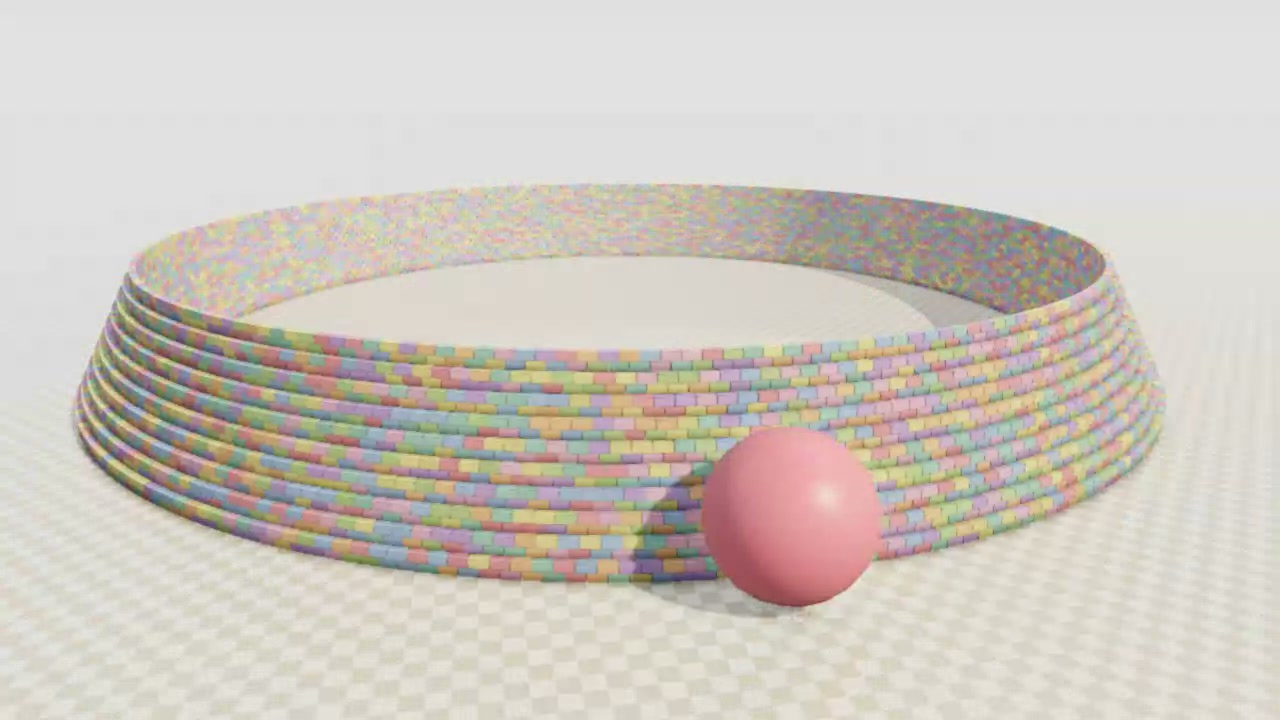
You can pull blocks from a brick ring or fire a cannonball into it. The rigid-body simulation runs on your GPU in the browser.
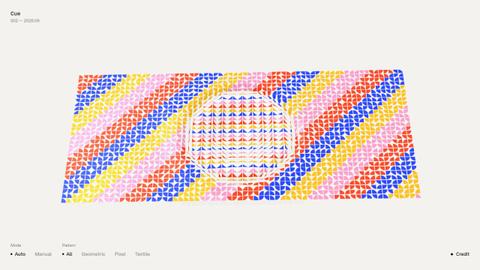
The ring is built from thousands of pastel-colored bricks. A cannonball breaks through its wall, sending bricks into the air and leaving a pile on the floor.
How to explore
- Drag a block to pull it, or press Space to fire a cannonball.
- Drag away from the blocks to orbit the view, and scroll to zoom.
- Select “Replay the smash” to watch the collision again, or press R to restart the scene.
Controls
| Input | Action |
|---|---|
| Scene | |
| Drag a block | Pull the block |
| Space | Fire a cannonball |
| P | Play or pause |
| R | Restart the scene |
| Click “1×”,“½×”or“¼×” | Change simulation speed |
| Click “Replay the smash” | Replay the collision |
| Click “Fire (Space)” | Fire a cannonball |
| Camera | |
| Drag elsewhere | Orbit the view |
| Scroll | Zoom |
Features
- A pastel brick ring with 28,114 rigid bodies
- Cannonballs that knock bricks loose
- Adjustable cannonball radius, mass and launch speed
- GPU simulation with a WebGPU solver